


And why that one cable takes forever to charge your phone.
Understanding USB-C and Its Adapters
When it comes to charging our devices, the simplicity of a USB to USB-C adapter is often deceptive. These small connectors — with a male USB-A plug on one end and a female USB-C port on the other — seem straightforward. However, not all adapters are created equal, and the wrong choice can lead to slow charging, sluggish data transfers, or even damage to your device. Given our reliance on USB-C technology for its speed and efficiency, it’s crucial to understand what to look for in a USB to USB-C adapter.
Each device we use necessitates different power and data transfer capabilities. If you find yourself frequently switching between older USB-A ports and modern USB-C devices, having the right adapter can save you time and frustration. The landscape of USB specifications means you shouldn’t just grab any adapter that seems to fit; a little knowledge can go a long way in optimizing your charging experience.
USB Specs, Power, and Speed — What You Need to Look Out For
The packaging of your USB adapter usually highlights the version it supports, and this detail is key to both data transfer speed and charging capability. For instance, a USB 2.0 adapter maxes out at 480Mbps for data transfer and delivers 5V/0.5A of power — equating to about 2.5W. This limited power output is suitable for low-power accessories like mice and keyboards, but ultimately inadequate for smartphones that require quicker charging options.
If you opt for a USB 3.0 adapter, you’re looking at a significant leap in performance. With data transfer speeds of up to 5Gbps — about ten times faster than USB 2.0 — and better charging output, including the ability to deliver around 12W-15W when connected to dedicated wall chargers, the difference is notable. However, it’s essential to remember that plugging a USB 3.0 adapter into an older USB-A port will limit its performance to that of the slower port.
It’s easy to fall into the trap of thinking that tech is interchangeable. However, while you might be used to fast charging with a USB-C connection, the same expectations need to be tempered when moving to an adapter. For charging your phone, consider reserving the USB-A to USB-C adapter for non-essential use unless you absolutely need it.
Matching the Adapter to the Job
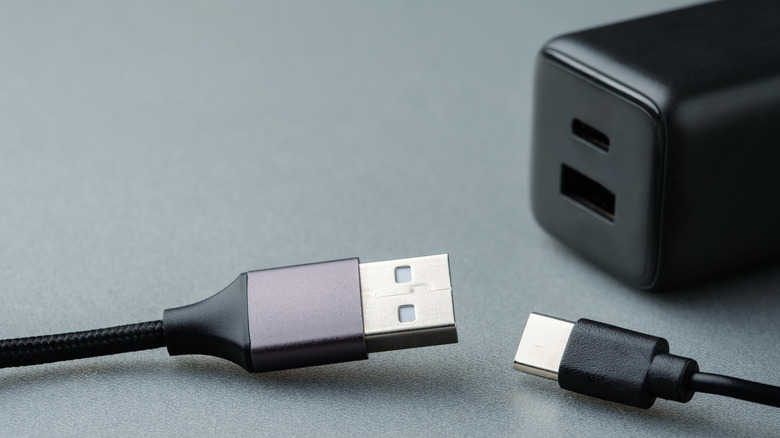
Before finalizing your adapter purchase, consider key factors. What generation USB port does your device support? If it’s an older model with USB 2.0, you won’t be able to fully utilize the benefits of a newer adapter. This will fundamentally limit the functionality and speed you can achieve.
What’s your intended use for the adapter? Low-power devices are generally fine with a USB 2.0 adapter, but for something more demanding like an external hard drive, a USB 3.0 adapter is non-negotiable. Otherwise, you’ll be hitting those frustrating speed caps that could seriously hinder productivity.
Always pay attention to the brand as well. While it might be tempting to grab a cheaper alternative, uncertified adapters carry risks such as poor power regulation, leading to overheating or potential damage to your device’s ports. Stick with reputable manufacturers, keeping an eye out for safety certifications like UL or CE. Choosing quality might cost a bit more upfront but can save you from high repair bills down the line.