


How to Use a Price Tracker to Get the Absolute Lowest Price on Laptops: 2026 Guide
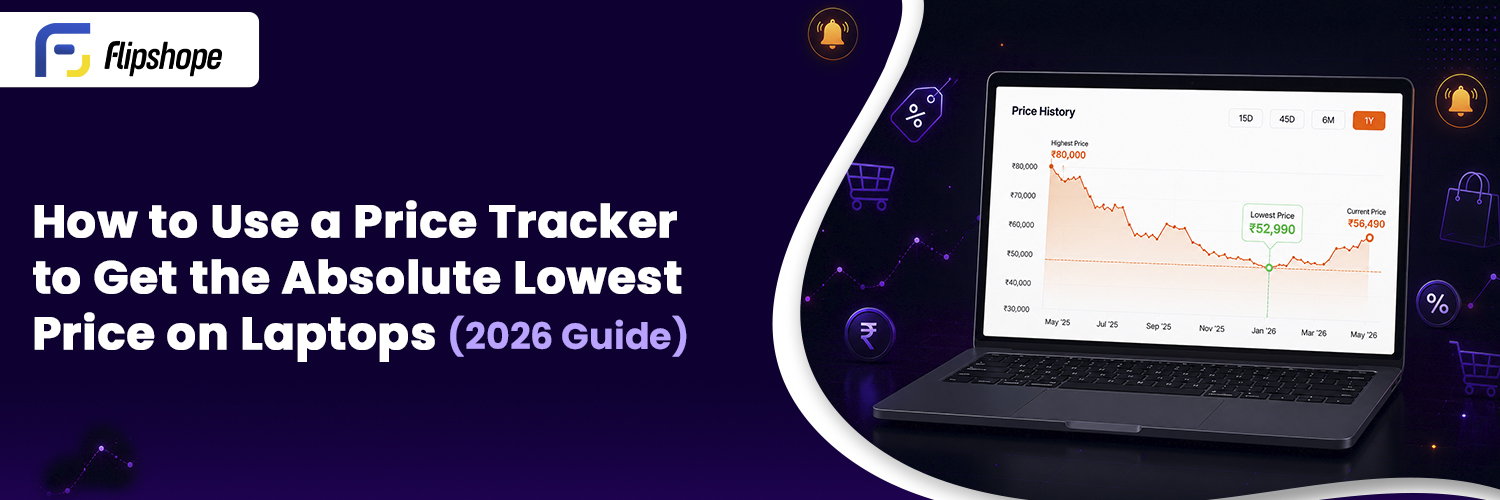
Most people check the price, see a “discount” badge, and buy immediately. Unfortunately, that’s how many end up overpaying. Laptop prices on platforms like Amazon and Flipkart fluctuate constantly due to factors like sales, stock levels, and competitor pricing. This means the laptop you purchased for ₹65,000 today may be available for ₹58,000 next week—unless you’re actively monitoring it.
A price tracker does the monitoring for you. This guide will explain how price trackers work, what to look for, and how to use them effectively so you can make informed purchasing decisions.
What Is a Price Tracker?
A price tracker is a digital tool that monitors product prices on e-commerce platforms and records changes over time. Instead of manually refreshing a product page daily, a price tracker runs in the background, documenting price fluctuations. When a laptop drops to a price you’ve set, it sends you an alert.
Most price trackers come in various forms:
- Browser Extensions that function while you shop
- Websites where you can paste a product link
- Mobile Apps for tracking on the go
The key feature that differentiates a price tracker from merely bookmarking a product is its price history. This historical data informs you whether a discount is genuine or just a marketing gimmick.
Why Laptop Prices Change So Often
If you have noticed a laptop changing prices frequently, you’re not imagining things. Online pricing is dynamic, and various factors contribute to these changes, including:
| Reason | What Happens |
|---|---|
| Flash Sales | Price drops sharply for a few hours |
| Festival Offers | Discounts tied to occasions like Diwali or Big Billion Day |
| New Model Launch | Older models often drop in price to clear inventory |
| Low Stock | Prices increase when few units remain |
| Competitor Pricing | Platforms adjust their prices to match or undercut competitors |
| Brand Promotions | Manufacturer-specific offers for a limited time |
For instance, a laptop previously priced at ₹65,000 might genuinely drop to ₹59,999 not due to a sale, but simply because stock has cleared or a competitor has adjusted their offering. This unpredictability is exactly why tracking matters.
Step-by-Step: How to Use a Price Tracker for Laptops
To maximize savings using a price tracker, follow these steps carefully. Skipping even one can often result in missing out on better deals.
Step 1: Find the Laptop You Want
Start by searching for your desired laptop on Amazon or Flipkart. Make sure you reach the specific product page that reflects the exact variant—RAM configuration, storage, and even color. The prices can differ significantly among variants, so accuracy is vital.
Step 2: Open It in a Price Tracker
Copy the product URL and paste it into a price-tracking tool. If you’re using a browser extension, it will usually detect the product page automatically. The tracker will then begin monitoring the listing.
Step 3: Check the Price History
This step is crucial but often overlooked. Price history graphs illustrate the actual costs of the laptop over time. A comprehensive tracker should show:
- Current price
- Historical lowest price
- Average price over the tracked period
- Significant spikes or drops and their timing
Before initiating a purchase, always consult this graph.
Real-Life Example: Lenovo LOQ 15 Purchase
Let’s say you’re interested in buying the Lenovo LOQ 15 (Intel Core i5, RTX 4050, 16GB RAM) and your budget is ₹72,000.
After checking the price history, you might find data like this:
| Date | Price |
|---|---|
| May 5 | ₹76,999 |
| May 18 | ₹73,999 |
| June 2 | ₹69,999 |
| June 15 | ₹71,499 |
| Today | ₹74,999 |
At first glance, today’s price of ₹74,999 seems appealing due to a “10% OFF” label. However, the price history reveals the laptop dropped to ₹69,999 just weeks prior. Instead of buying immediately, you set a price alert at ₹70,000 and get notified when the price meets your target.
Step 4: Set a Price Drop Alert
Determine your ideal price point and set it as your alert threshold. The tracker will notify you once the laptop reaches that price. This feature is invaluable for busy individuals: set it and await the alert.
Step 5: Compare Today’s Price to Historical Low
Analyze the current price against the historical low using these questions:
- Has this laptop been cheaper before?
- Is it the lowest in the past 90 days?
- Is this a genuine drop or merely a temporary spike masquerading as a discount?
These questions can help filter out misleading sales tactics.
Step 6: Buy When the Price Meets Your Budget and Supports Historical Data
If the current price is close to or matches the historical low, it’s generally a good moment to purchase. If historical data indicates that prices dip further during specific sales, you might choose to wait. The tracker provides data; the decision remains yours.
Why Price History Matters More Than the Discount Percentage
Often, shoppers are lured in by flashy discount percentages. However, price history reveals a different narrative:
| Product | Price |
|---|---|
| Laptop MRP (Listed) | ₹72,999 |
| Sale Price Shown | ₹64,999 |
| Discount Badge | 11% Off |
| Price Last Month | ₹61,999 |
On review, the sale price may appear attractive, but the history shows it was cheaper last month without any promotional badge. This distinction is crucial as platforms might inflate “original prices” leading up to sales to create an illusion of a better deal.
In short, always prioritize price history over discount percentages.
Benefits of Using a Price Tracker
Beyond merely saving money on one purchase, price tracking changes your overall shopping strategy:
- Avoid fake discounts by checking historical prices.
- Make decisions based on actual data, rather than guesswork.
- Track multiple laptops simultaneously without needing to juggle browser tabs.
- Receive automatic alerts for genuine price drops, ensuring you never miss a deal.
- Save time as the tracker continuously monitors prices for you.
- Utilize across different platforms like Amazon and Flipkart.
- Extremely helpful during major sales events, when inflated discounts are common.
For students, gamers, and anyone with a fixed budget, this data-driven approach empowers you to make informed decisions on substantial purchases.
Common Mistakes People Make While Tracking Prices
Using price trackers is straightforward, yet several habits undermine their effectiveness:
- Setting Unrealistic Price Alerts: If a laptop is priced at ₹70,000 but historically never drops below ₹60,000, setting an alert for ₹45,000 only leads to disappointment.
- Ignoring Price History: Often, people focus solely on today’s price, missing critical insights.
- Checking Once and Forgetting: Prices can rebound quickly after flash sales, so monitoring should be ongoing.
- Not Comparing Sellers: Multiple sellers may list the same laptop but with varying prices.
- Overlooking Cashback Options: Pairing the listed price with cashback can minimize your out-of-pocket expenses further.
- Tracking the Wrong Variant: Always ensure the URL corresponds to the specific configuration you aim to purchase.
Why Flipshope’s Price Tracker Makes This Easier
Flipshope is a browser extension specifically designed for Indian shoppers using Amazon and Flipkart.
When visiting a product page, Flipshope provides:
- A price history graph displayed directly on the page.
- Price drop notifications when your specified laptop hits your target.
- Insights into the lowest historical prices.
- Convenient one-click tracking for quick addition while browsing.
It operates passively in the background during your shopping experience, removing the need for manual URL pasting or excessive checking.
While Flipshope doesn’t guarantee minimized prices, it equips you with enough data to make smarter purchasing decisions—an essential aspect of smart shopping.
Frequently Asked Questions
Q1. What is a price tracker and how does it work?
A price tracker monitors product prices across platforms and charts their changes over time. It shows price histories, identifies genuine discounts, and allows you to set alerts for when a product reaches your desired price, enabling informed decisions.
Q2. Are price drop alerts reliable?
Price drop alerts are very useful for notifying you when prices fall to your desired levels. While their reliability depends on the frequency of tracker updates, they eliminate the hassle of daily manual price checks.
Q3. Do price trackers work for both Amazon and Flipkart?
Yes, many price tracking tools, including Flipshope, are compatible with both platforms, offering price history and alert functions.
Q4. How can I check laptop price history online?
Visit the product page on Amazon or Flipkart and utilize a price tracking extension like Flipshope. The price history graph will appear directly on the screen.
Q5. Is today’s sale price always the lowest a laptop has been?
Not necessarily. Historical data often reveals that laptops were cheaper weeks prior to sales. Platforms may increase prices leading up to sales to make discounts seem more significant. Always check historical prices before making a purchase.